
Take the SatFish Mobile offshore fishing app with you wherever you fish!
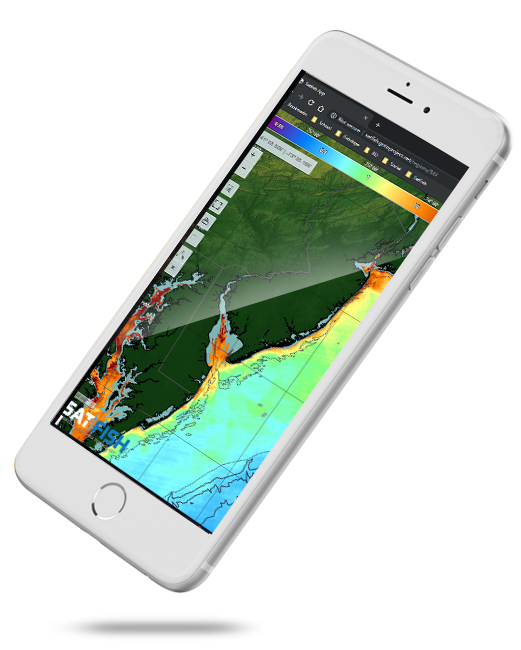
Once you’ve created your SatFish account, you can download the free SatFish Mobile offshore fishing app and sign in with your membership to take SatFish on the boat with you! Track your position right on the chart – even when out of cell service – using your device’s built-in GPS signal.
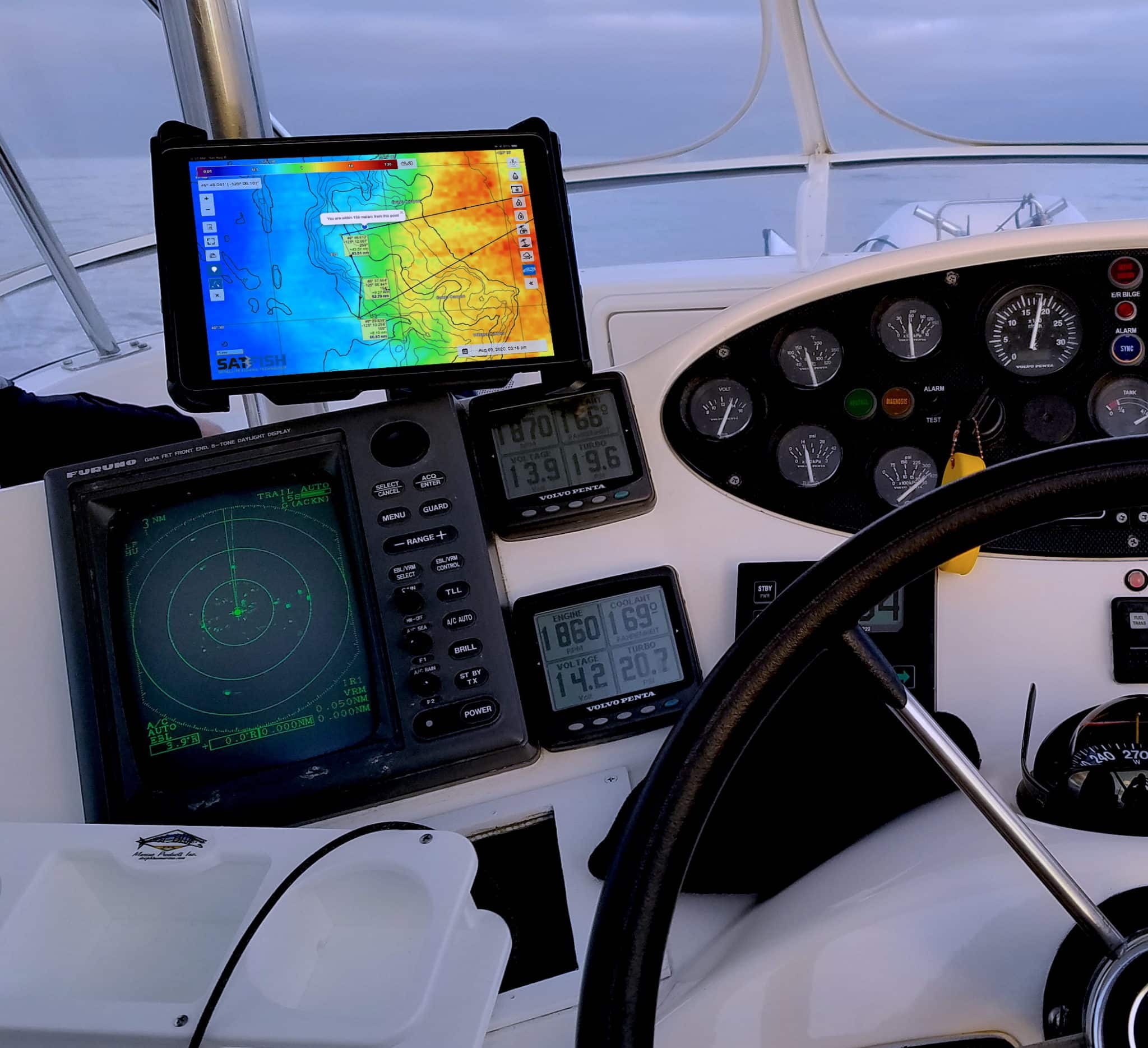
The mobile app makes it simple to find the bite zone:
1. Log in
Open up the app while you’re still at the dock and have wifi service for the latest updates
2. Pull up your region chart
Any layer you look at, like chlorophyll or cloud-free sst, will automatically save to your device
3. Go fish!
The app will automatically switch into “offline mode” when you lose service offshore or put your device into airplane mode, and everything you viewed at the dock will still be right there at your fingertips!
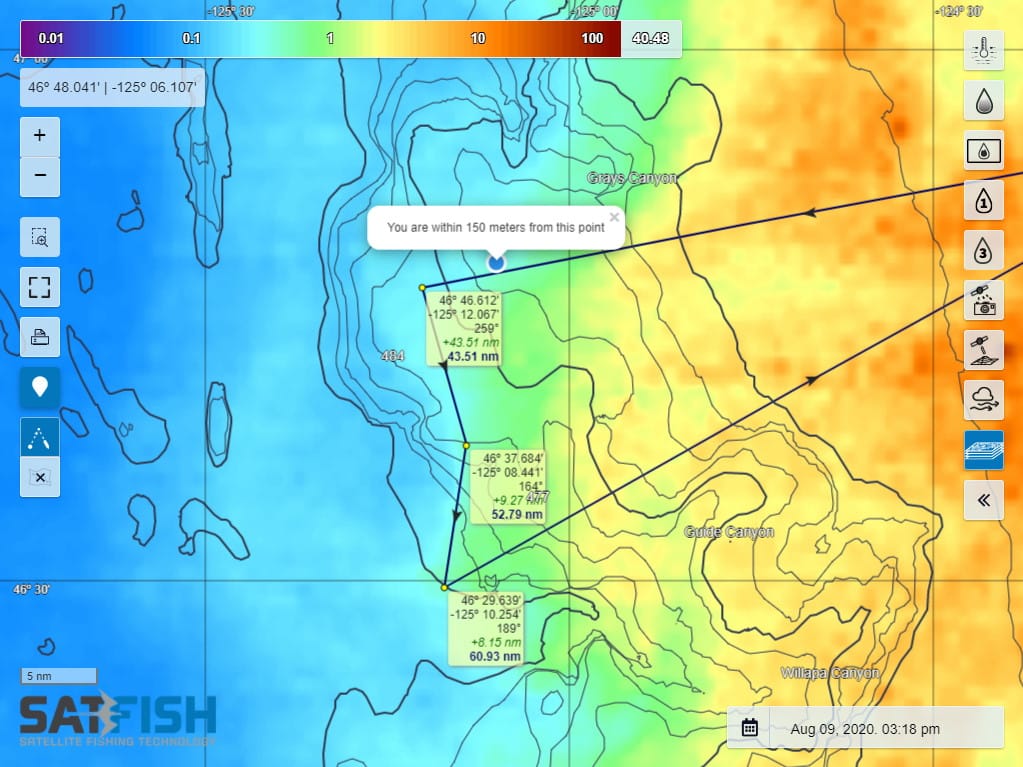
Plus, you can even use route planning while offline to figure out how far and what direction you need to head to get to your next waypoint!
***Note: an active SatFish membership is required to log in and use the mobile app


Frequently Asked Questions
What is the SatFish Mobile app used for?
The SatFish Mobile app lets you bring your offshore fishing charts on the boat so you can track temp and chlorophyll breaks while you fish. With an active membership, you can log in and use the same chart layers from your account.
Can I use the SatFish app without cell service offshore?
Yes, once you view your region and layers at the dock (with Wi-Fi or service), they save to your device. The app switches to offline mode automatically when you lose signal or use airplane mode.
How do I make sure my charts are available offline?
Open the app before you leave the dock and pull up your region chart and the layers you need (like chlorophyll or cloud-free SST). Anything you view will automatically download and remain accessible offshore.
Does the SatFish app show my GPS location on the chart?
If your device has GPS (most phones and tablets do), the app can display your position on the chart even without Wi-Fi or cell service. This helps you time your approach when you’re closing in on a temperature edge or color break.
Can I plan routes and waypoints in the app while offline?
Yes, you can use route planning offline to check distance and direction to your next waypoint. This is handy for adjusting your run when conditions shift, and you need to move to a new zone.
Do I need a SatFish membership to use the mobile app?
Yes, an active SatFish membership is required to log in and use the app features. Once logged in, you can take your saved charts and GPS tracking offshore.